Photo colorization and restoration online
Bring color back
to old photos
Photolaba uses AI to colorize black-and-white photos, restore damaged photographs and improve image quality
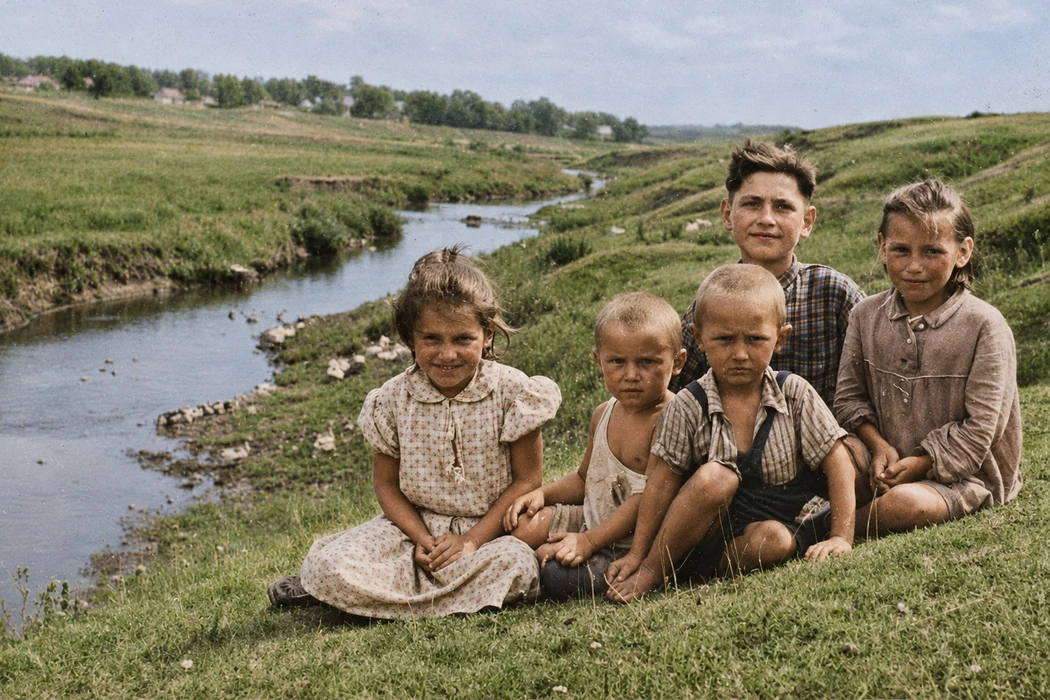
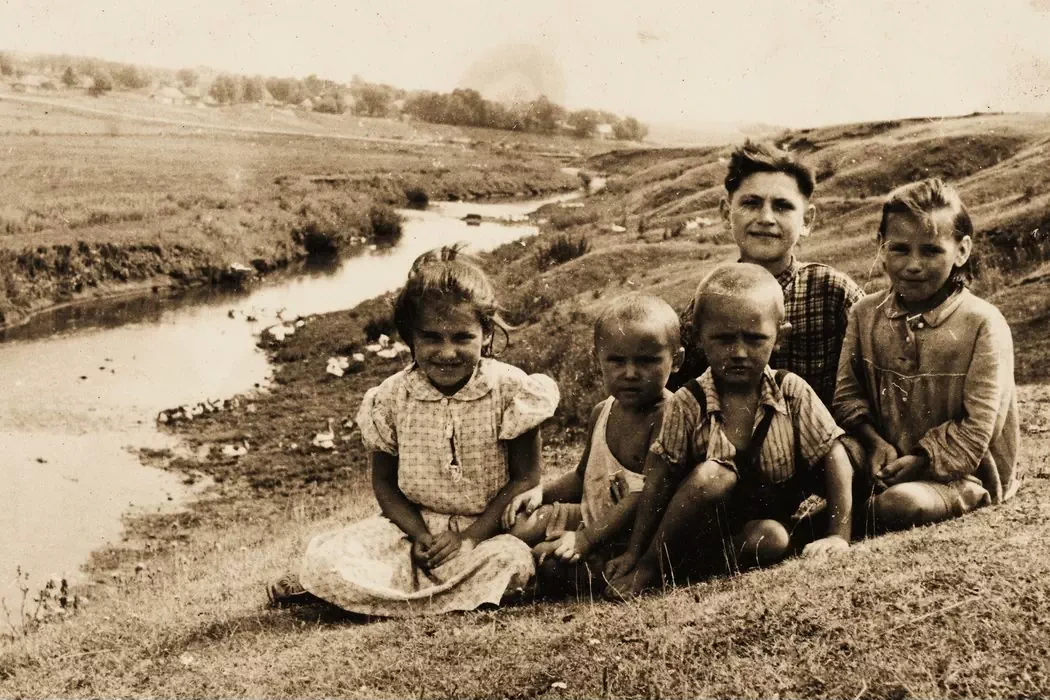
The image could not load
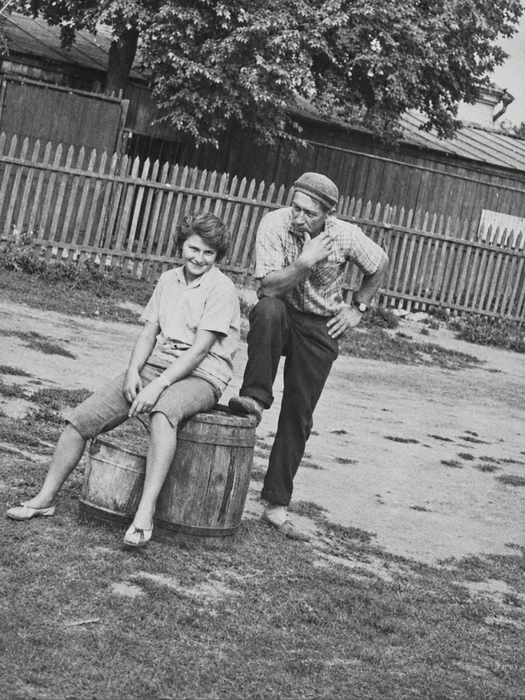
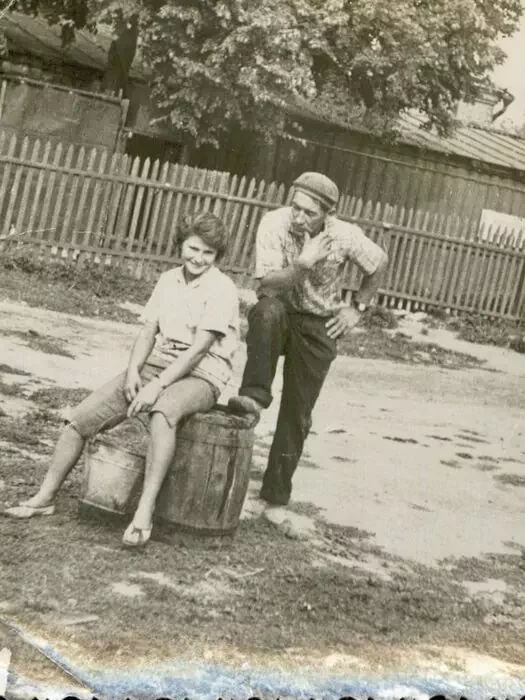
The image could not load
Remove the traces
of time with gentle restoration
Scratches, creases and fading. Restore the picture and take a closer look at the faces you remember
A scan or a phone photo of the print works. Capture it in soft daylight without glare
Restore your photoImprove photo quality and resolution
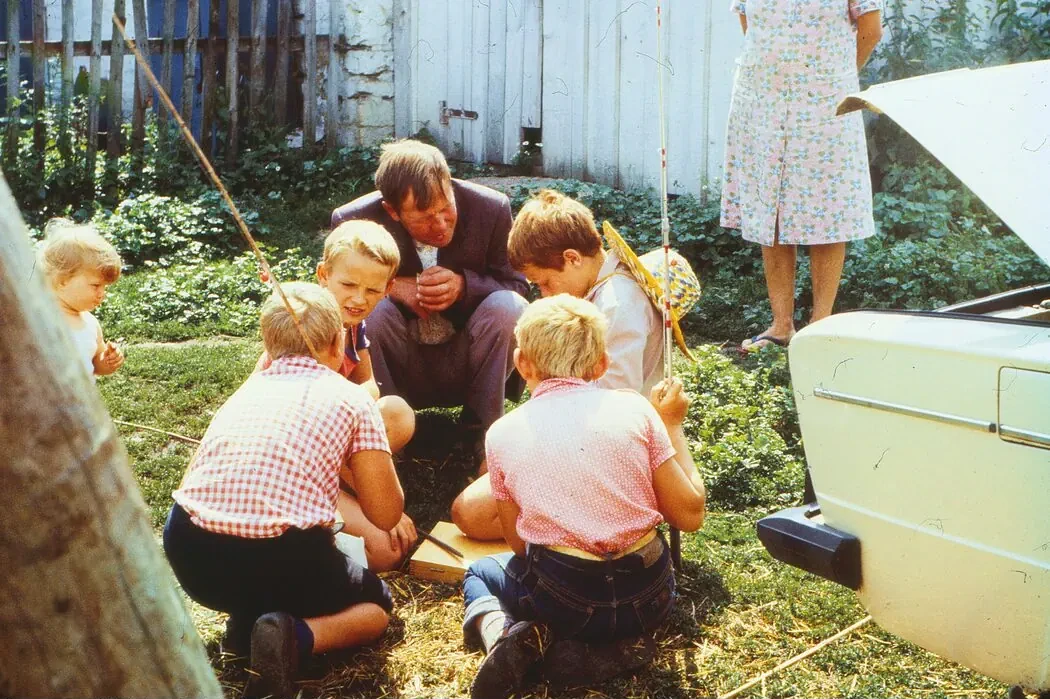
Make a soft photo clearer, reduce noise and increase its size for printing
Enhance photo quality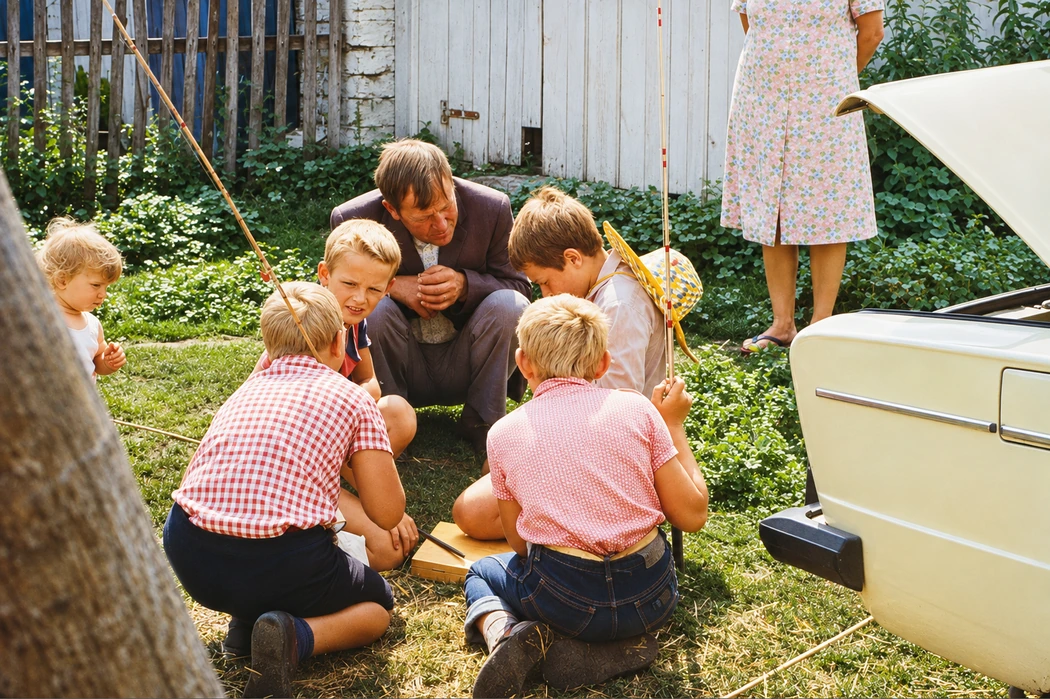
The image could not load
What would you like
to do with your photo?
Upload your photos now or buy a package first
JPG, PNG, WebP, PDF · up to 50 photos
You can change the service before continuing. Your photos will stay selected.
Photo edit packages
One package for colorization, restoration and enhancement. Access unused edits through your private link
Loading prices…
One edit covers one photo and one service. Order and refund terms
By clicking “Buy package”, you accept the public offer and terms of use
If checkout does not open, turn off your VPN and try again
Before you upload
Can I colorize and restore a photo together?
Yes. Enable “Enhance photo quality” in the colorization tool. When restoring a photo, you can also choose to add color
What if I don’t have a scanner?
Photograph the print with your phone. Keep the camera parallel to it, without flash, glare or overexposed patches. Include the whole picture
Where do I find my finished photos?
Use your private order link. Save it to download finished photos and use the remaining edits in your pack
Which files can I upload?
JPG, PNG, WebP and scanned PDFs. Upload up to 50 photos or pages at a time; each PDF page uses one credit. You can also remove white margins
Can I see a preview before paying?
A protected preview is prepared for the first photo in your batch. Purchase a credit pack to get the full results. Completed files are available for 7 days
Will the colors match the original scene?
AI chooses colors based on the contents of the black-and-white photo. It does not know the original colors of clothing and objects, so the shades may differ from those in the original scene