Enhance photo
Keep the moment
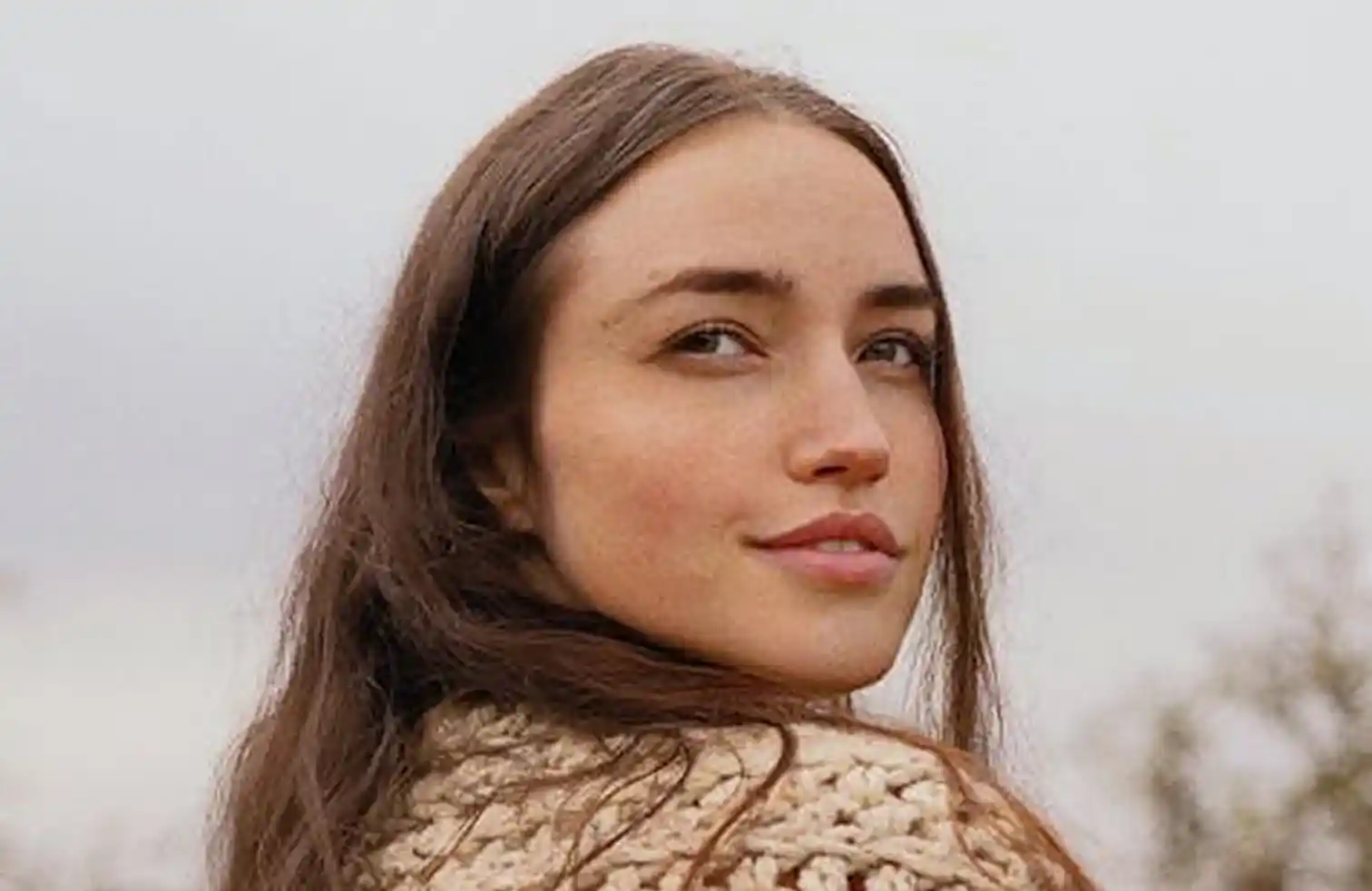
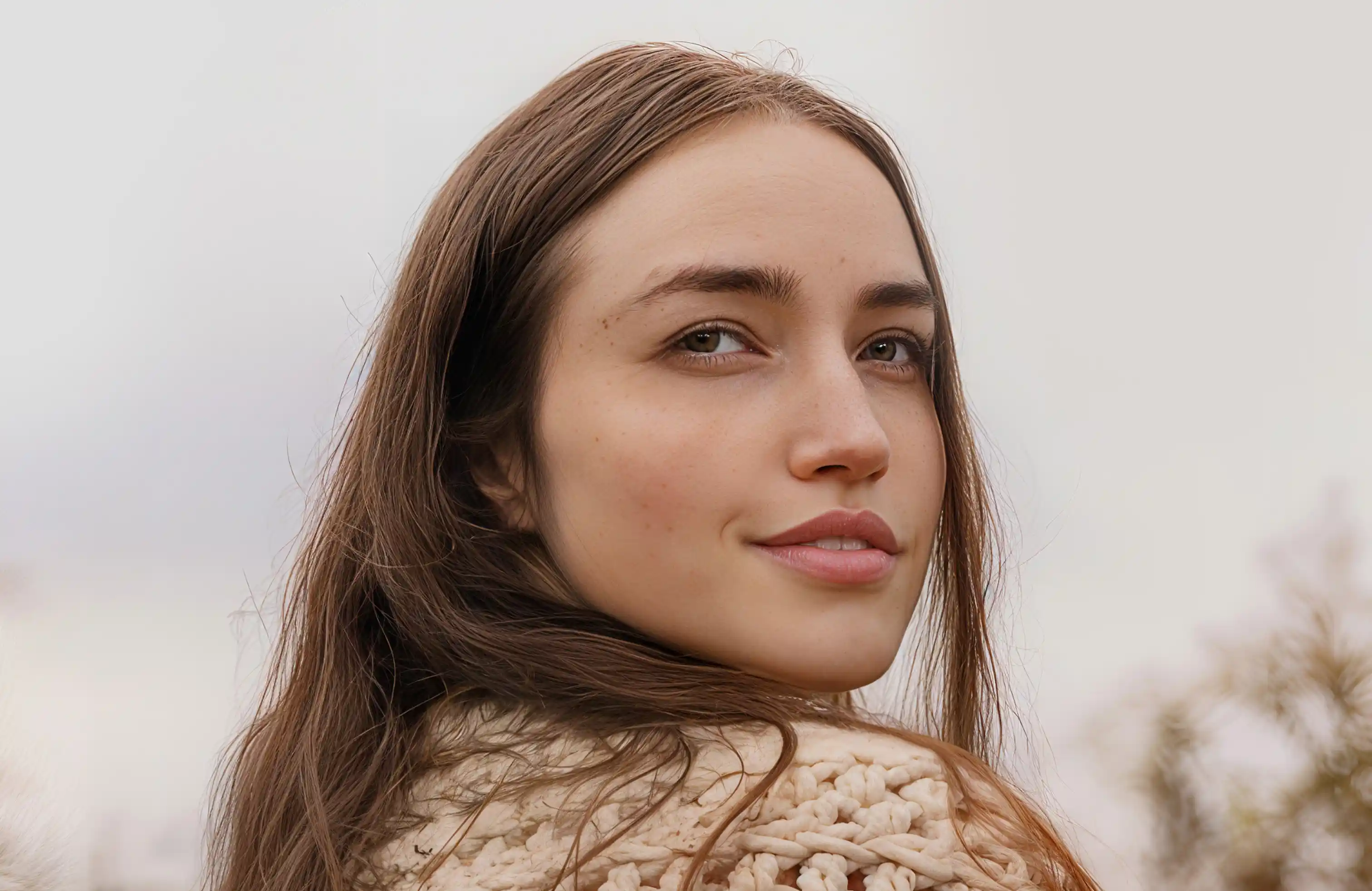
Drag the square with your mouse or finger to see details. Arrow keys move it; Home resets its position. Hold Space or Enter to zoom with the keyboard. The square shows the enhanced Topaz reference; the surrounding image is the original.
Could not load the photo comparison.
Keep your important moments in better quality
The image could not load
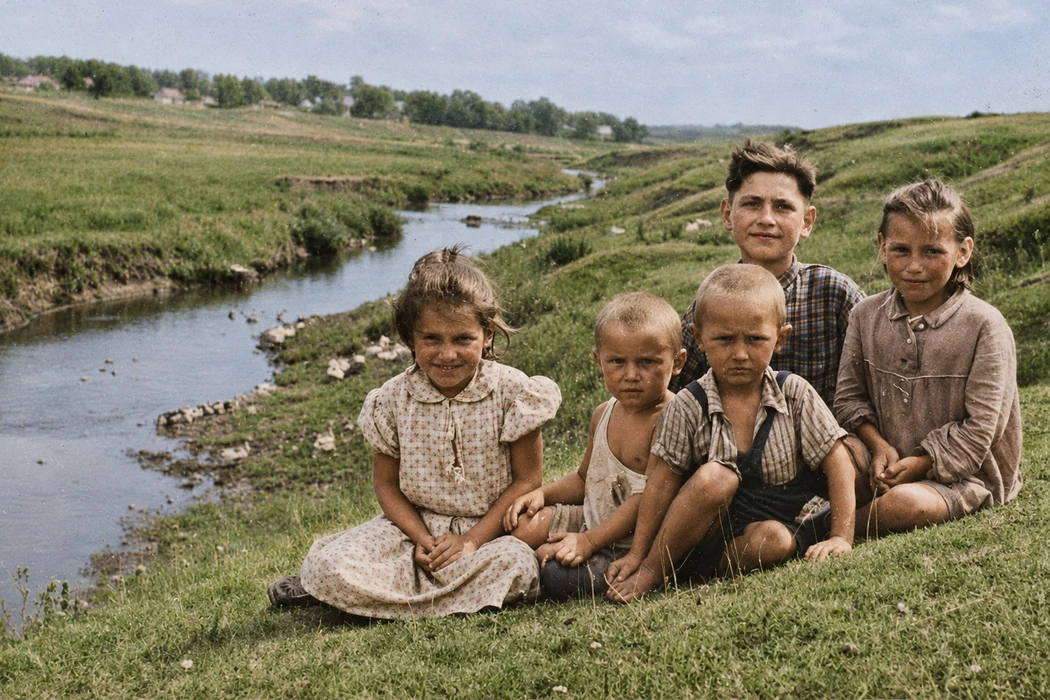
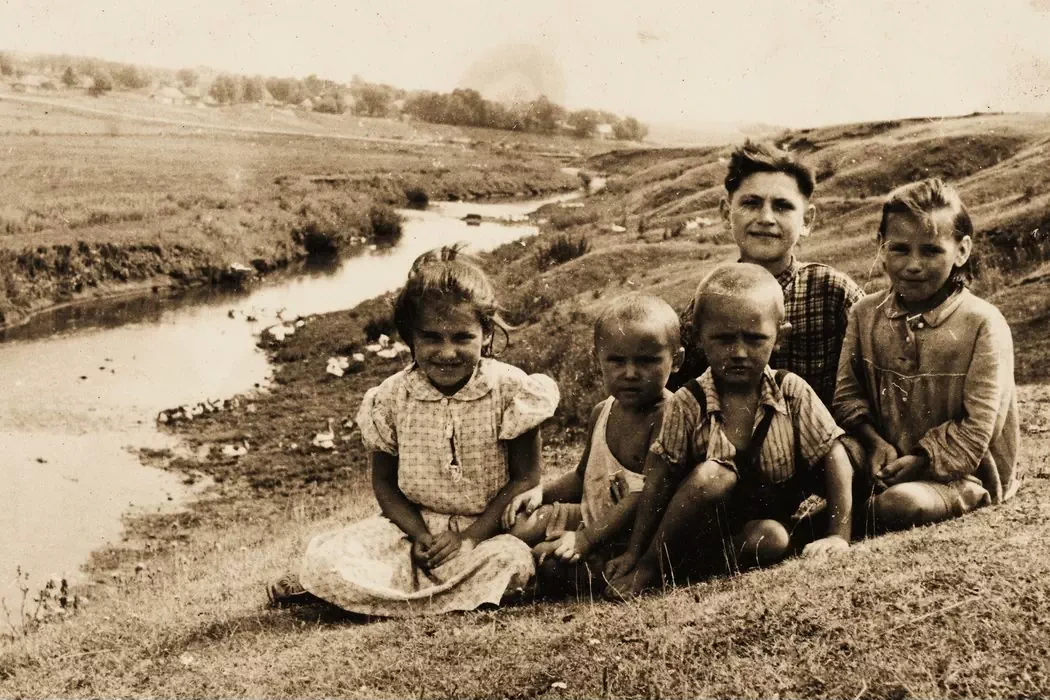
Colorization
Bring color back to family photos
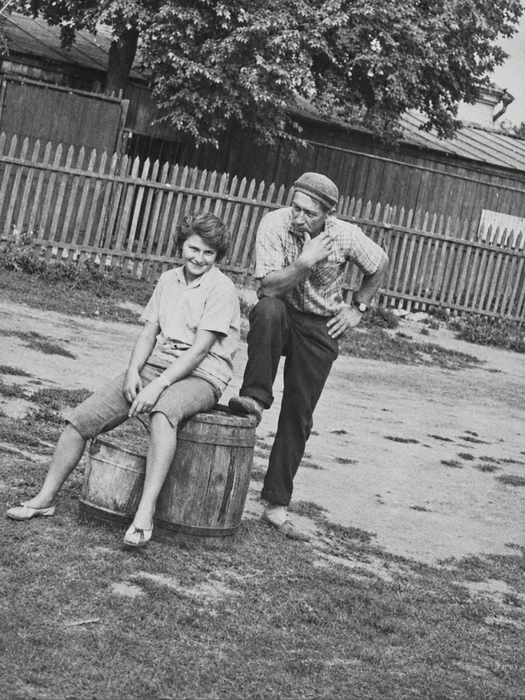
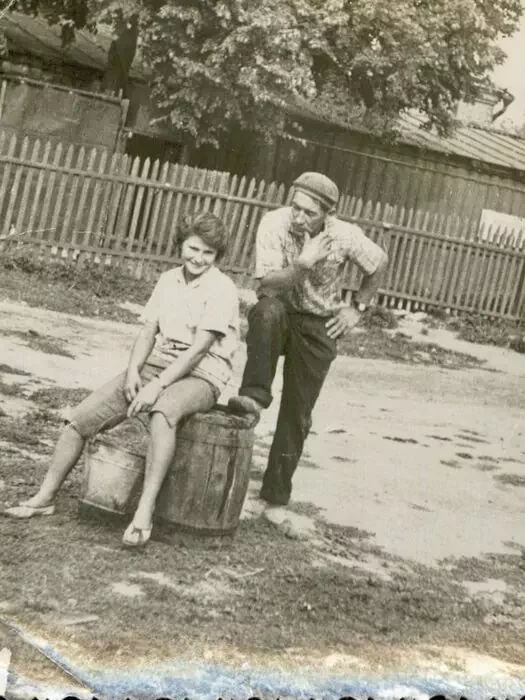
The image could not load
Restoration
Remove scratches and creases
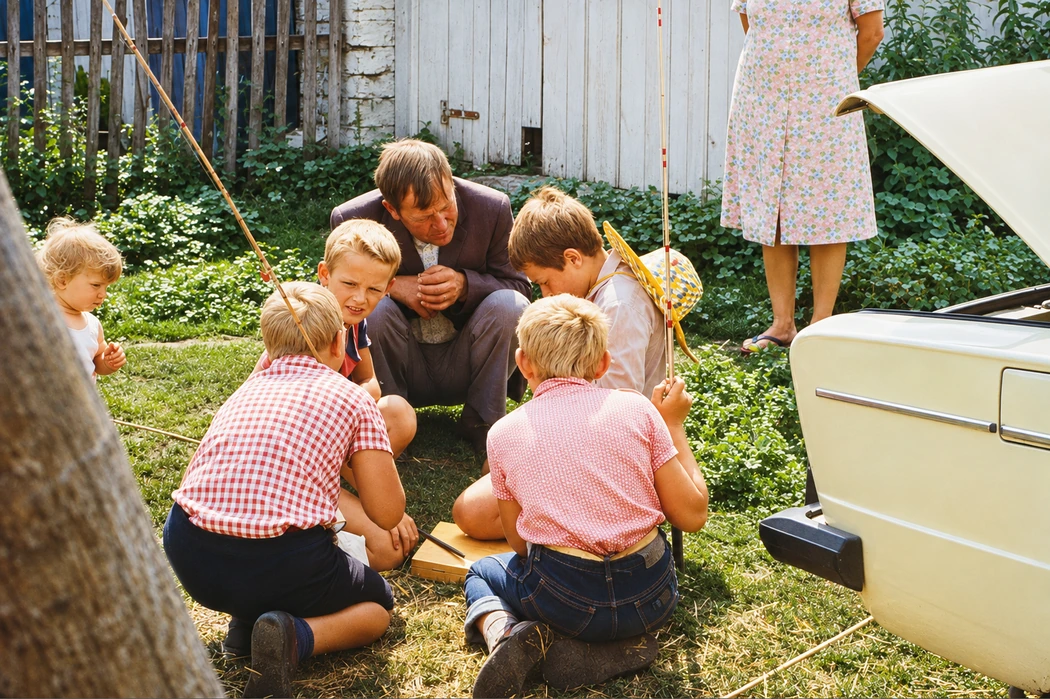
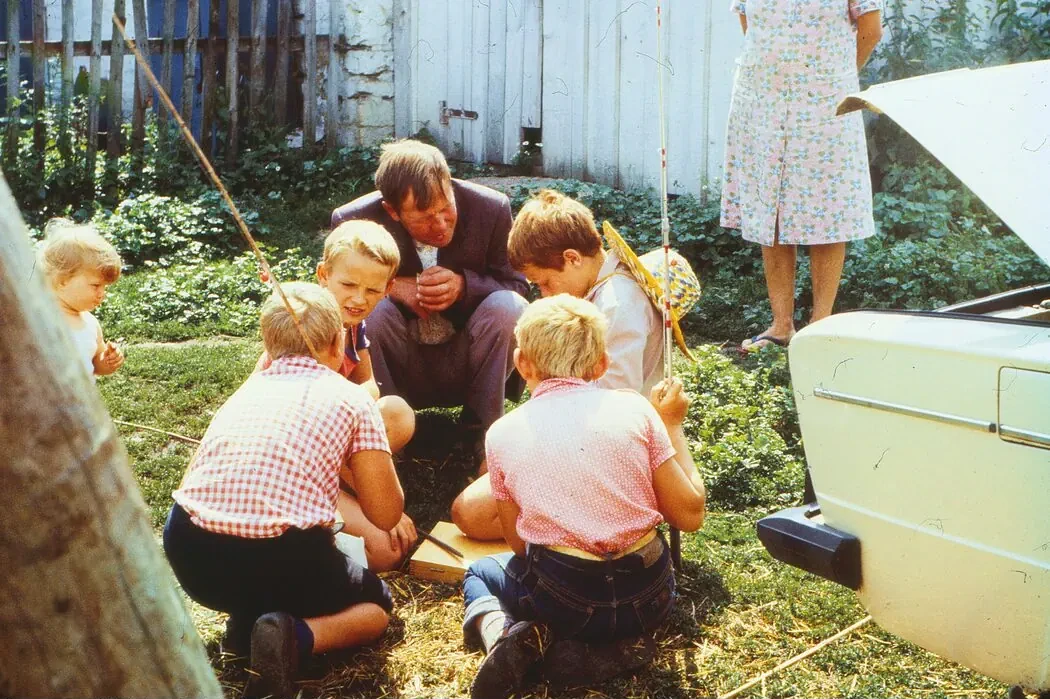
The image could not load
Quality enhancement
See familiar faces more clearly
Photo edit packages
Enhancement, colorization and restoration
Use your edits over time
20 photos
RUB 9.95 per edit
50 photos
RUB 7.96 per edit · save 20%
100 photos
RUB 4.975 per edit · save 50%
One edit covers one photo and one service. Packages work across all three photo services. Access your edits through your private link after payment. Results are kept for 7 days.
JPG, PNG, WebP · up to 40 MB and 25 MP. PDF · up to 40 MB and 50 pages. Order and refund terms
THE ESSENTIALS
Good questions
How do I enhance a photo online?
Upload a photo, choose the processing settings and size, then select and pay for a package. If you already have a package, click Process from package. One edit is debited when the task is queued. Download the finished photo from your order page, without installing an editor.
Which photos can I enhance?
Smartphone pictures, portraits, noisy photos and small images. For heavily damaged old photographs, use the separate restoration service. Go to photo restoration →
Can you make any blurry photo sharp?
No. Accurate restoration cannot be guaranteed for heavily blurred faces or details. The algorithm may estimate details, so compare the result with the original.
Will a larger image be better for printing?
It can make a small image more suitable for printing, but will not turn it into a photo originally taken at high resolution. The source quality and intended print size matter.
Do you colorize black-and-white photos?
There is a separate colorization service. Enhancement focuses on clarity, noise and resolution. Go to photo colorization →
How do I increase photo resolution, and what does 2× mean?
Choose the working size or enlarge it twofold in settings. The working copy is limited to 1536 pixels on the long side; the 2× result to 3072 pixels. This does not double every original's resolution: large files are first reduced to the working size.
Can AI improve a photo sent through a messenger?
Yes, but the original in your gallery, or a file sent without compression, is better. Processing can sometimes reduce visible compression and noise, but lost fine details cannot always be recovered accurately. A screenshot usually contains less information than the photo file itself.
Which files can I upload, and can I use my phone?
We accept JPG, PNG and WebP up to 40 MB and 25 MP. Upload through a phone or computer browser. If your photo is HEIC or RAW, first export a supported copy, keeping as much quality as possible.
How much does enhancing a photo cost?
A pack from RUB 199 includes 20 edits. Use them over time to enhance, colorize or restore photos. One edit covers one photo and one service.
Can I upload a PDF scan?
Yes. Choose a PDF up to 40 MB without a password. Each page becomes a separate photo and uses one package edit. An order can contain up to 50 photos and pages. Enable Remove white margins if the scan has empty borders. Results are delivered as photos.
How do I receive my order or request a refund?
Your result appears on your private order page within 24 hours after payment and is kept for 7 days. Save the link and download your photo within that time. Unused package edits can be refunded in proportion to the price you paid, with no payment fees deducted. Order and refund terms →
A thoughtful gift for your loved ones
Restore a family photo and give your loved ones a digital copy or a printed photograph