Old photographs
A new life
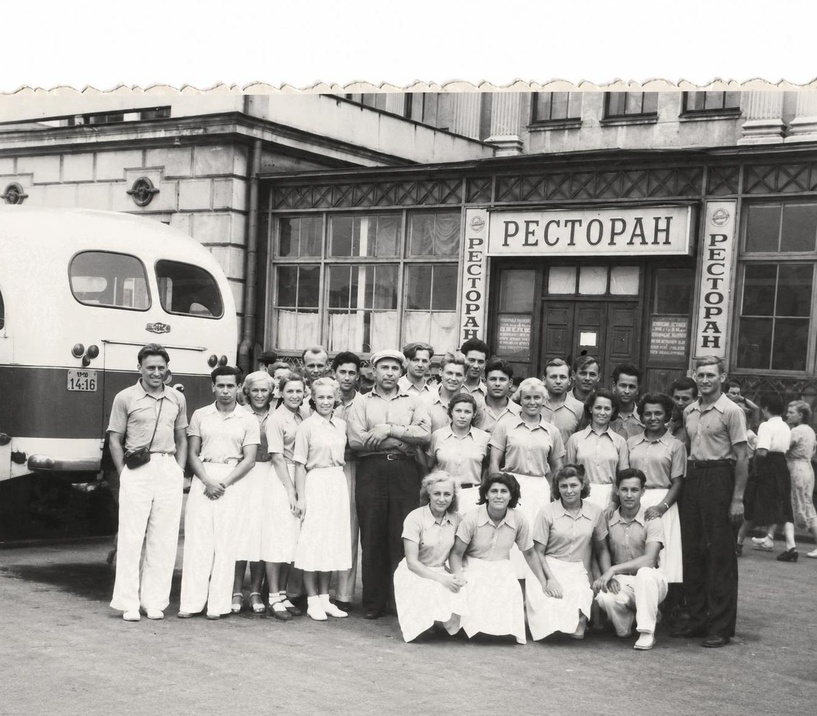
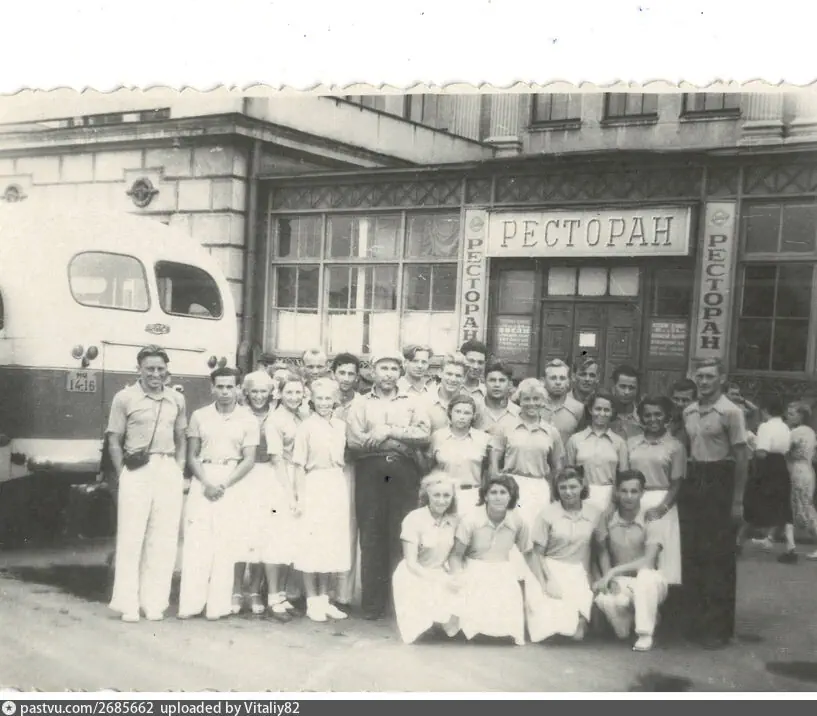
Drag the divider with your mouse, finger or arrow keys to compare the original and result.
Could not load the photo comparison.
Keep your important moments in better quality
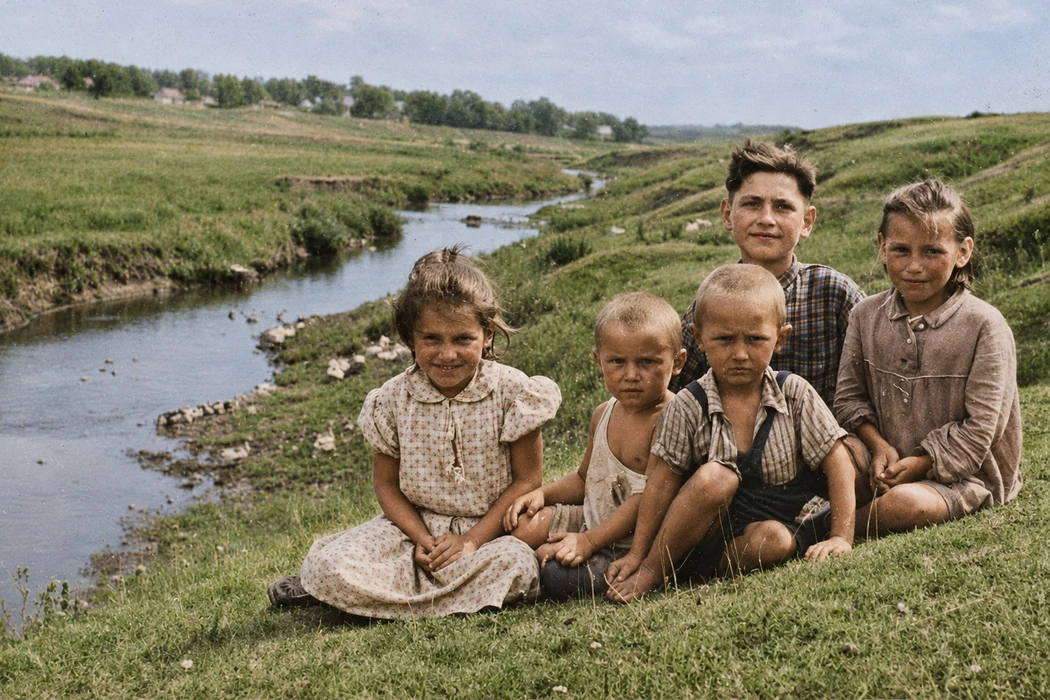
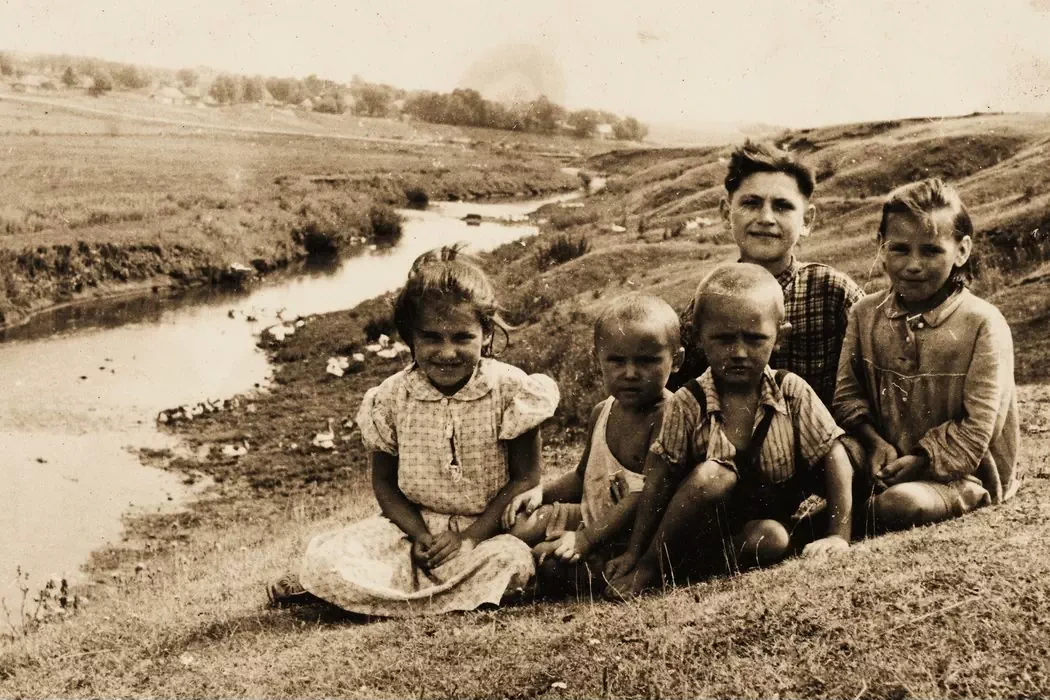
The image could not load
Colorization
Bring color back to family photos
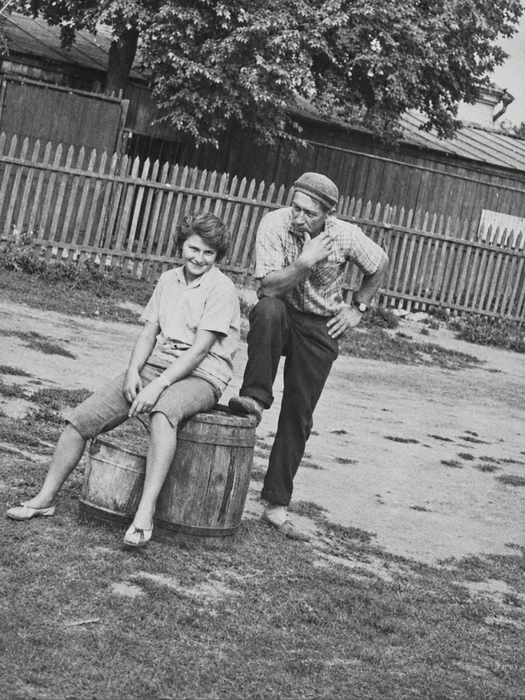
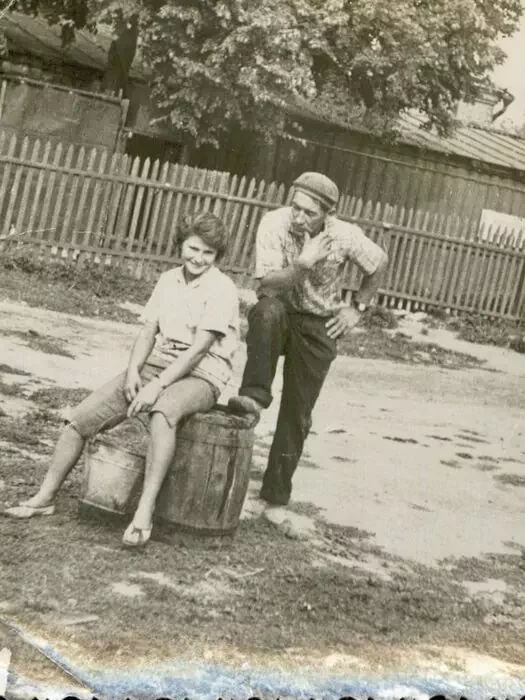
The image could not load
Restoration
Remove scratches and creases
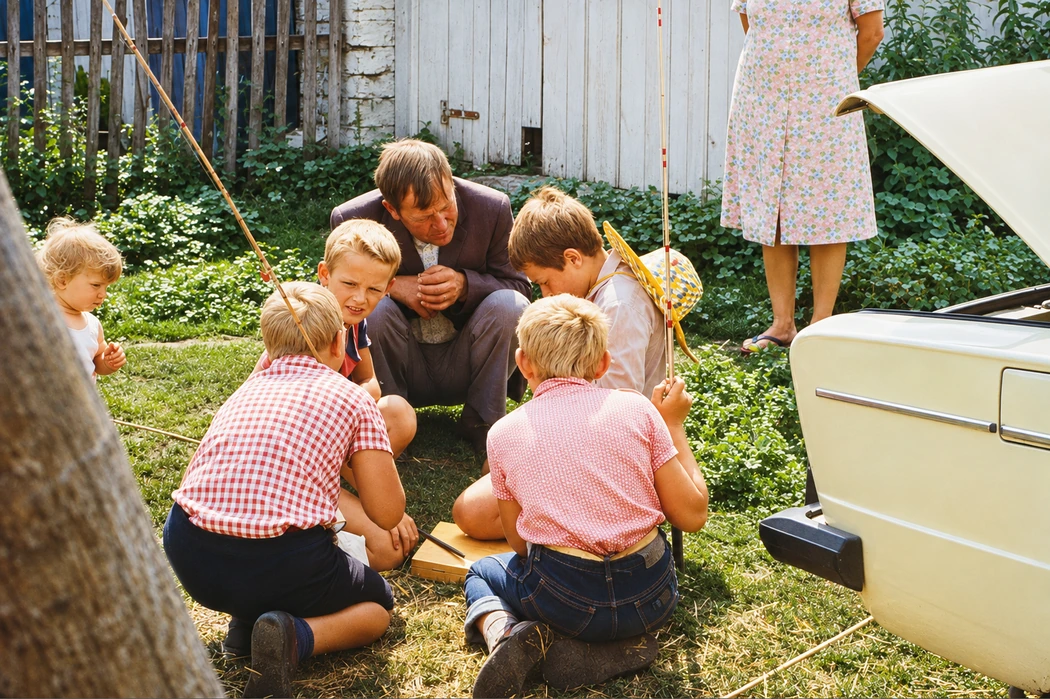
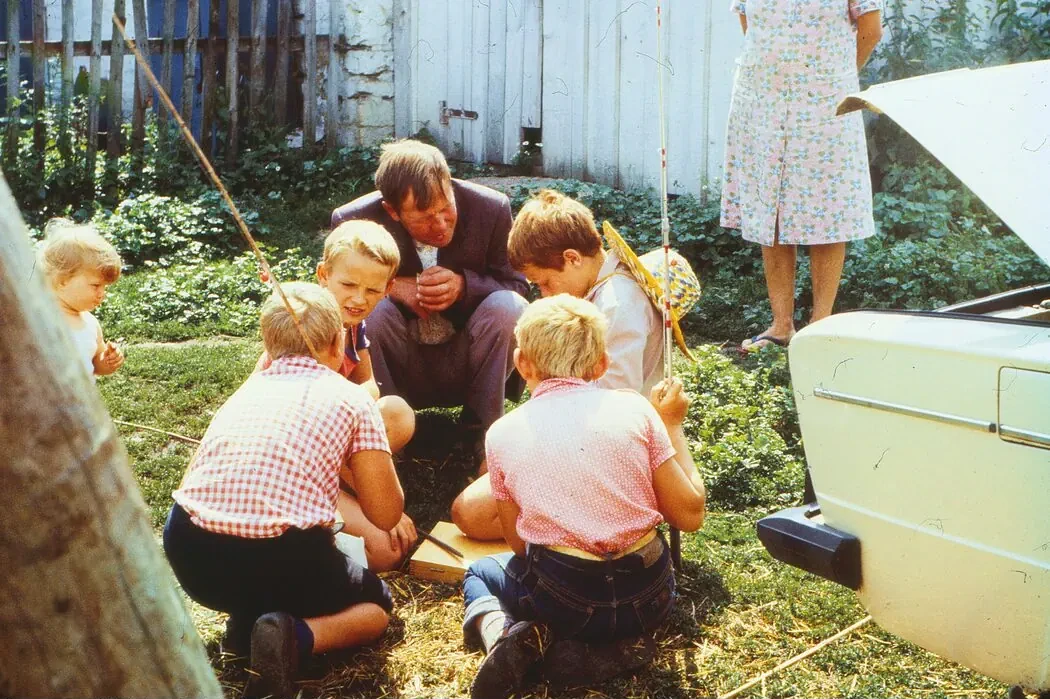
The image could not load
Quality enhancement
See familiar faces more clearly
FOR YOUR FAMILY ARCHIVE
A scan of an old photo
A new digital copy
- 01
Scan and upload your photo
Use a scan or a straight-on photograph without glare. Your printed original stays with you.
- 02
Choose what to restore
Choose the task and pay for your order. Your file is checked before checkout.
- 03
Check your restored copy
Get your restored copy on your order page within 24 hours after payment.
Photo edit packages
Enhancement, colorization and restoration
Use your edits over time
20 photos
RUB 9.95 per edit
50 photos
RUB 7.96 per edit · save 20%
100 photos
RUB 4.975 per edit · save 50%
One edit covers one photo and one service. Packages work across all three photo services. Access your edits through your private link after payment. Results are kept for 7 days.
JPG, PNG, WebP · up to 40 MB and 25 MP. PDF · up to 40 MB and 50 pages. Order and refund terms
THE ESSENTIALS
Good questions
How do I restore an old photo online?
Upload a scan or photograph of your printed photo and choose what to fix: scratches and creases, fading, or both. Choose gentle or stronger processing and click Enhance. After the file check, you can pay and receive a restored digital copy on your order page.
Do I need to send you my printed photo?
No. The service works with a digital copy: a scan or photograph of your print. You keep the physical original.
Can you restore a badly torn photo?
Complete, accurate restoration cannot be guaranteed. If part of a face or scene is missing, the algorithm can only estimate its contents. Check important family details against the original.
Will my old black-and-white photo become colored?
Enable Colorize a black-and-white photo to restore and colorize it together, using one package edit. Otherwise, it keeps its original colors or remains black and white. Go to photo colorization →
How does restoration differ from enhancement?
Restoration addresses damage and fading in old photos. Enhancement addresses soft focus, digital noise and low resolution in undamaged photos. Go to photo enhancement →
Can you remove scratches, cracks and creases from a photo?
That is the main purpose of restoration. AI processes a digital copy and can reduce visible damage using surrounding areas as a guide. A thin scratch in the background is easier than a deep crease through a face, where facial features may change. Compare important details with the original.
How do I prepare an old photo for restoration?
If possible, scan the whole photo in color to preserve paper tones and fading. If using a phone, lay the photo flat, hold the camera parallel and use soft light without glare. Avoid filters and aggressive sharpening before uploading.
How much is photo restoration, and which files are accepted?
A pack from RUB 199 includes 20 edits for restoration, enhancement and colorization. We accept JPG, PNG and WebP up to 40 MB and 25 megapixels. Payment is one-time and the total is shown before you pay. Colorization is a separate service.
Can restoration recover deleted photos?
No. This service restores the image in an existing file, rather than recovering data from a phone, memory card or disk. You need an image that opens, or a scan of a printed original. If the digital file is lost, you first need to find or recover it separately.
Can I upload a PDF scan?
Yes. Choose a PDF up to 40 MB without a password. Each page becomes a separate photo and uses one package edit. An order can contain up to 50 photos and pages. Enable Remove white margins if the scan has empty borders. Results are delivered as photos.
How do I receive my order or request a refund?
Your result appears on your private order page within 24 hours after payment and is kept for 7 days. Save the link and download your photo within that time. Unused package edits can be refunded in proportion to the price you paid, with no payment fees deducted. Order and refund terms →
A thoughtful gift for your loved ones
Restore a family photo and give your loved ones a digital copy or a printed photograph