A black-and-white photo
In living color
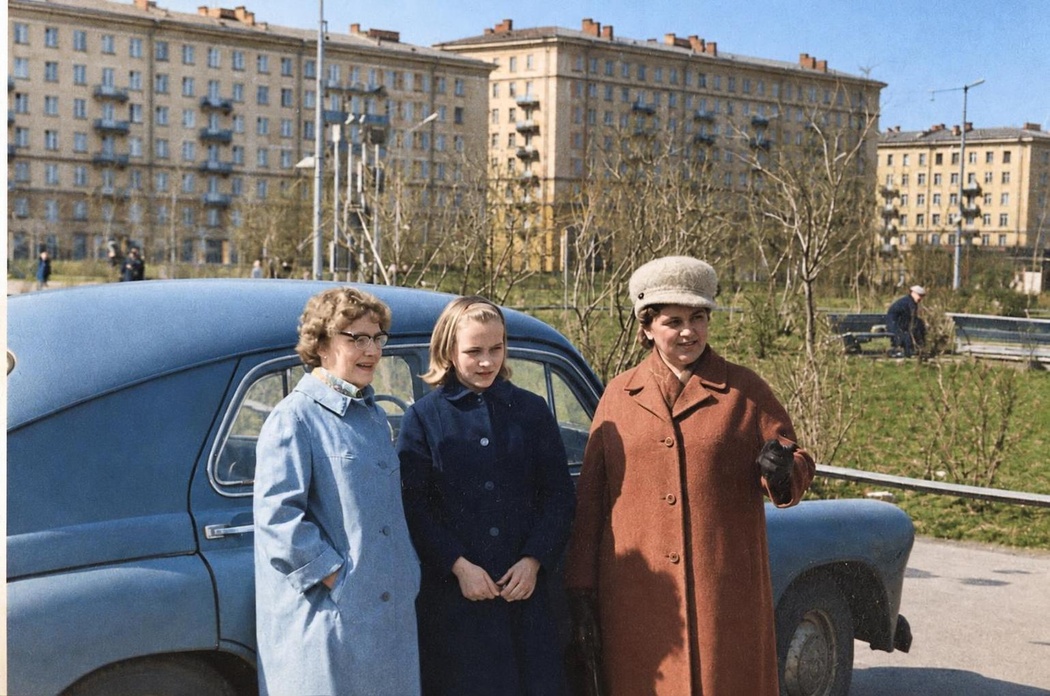
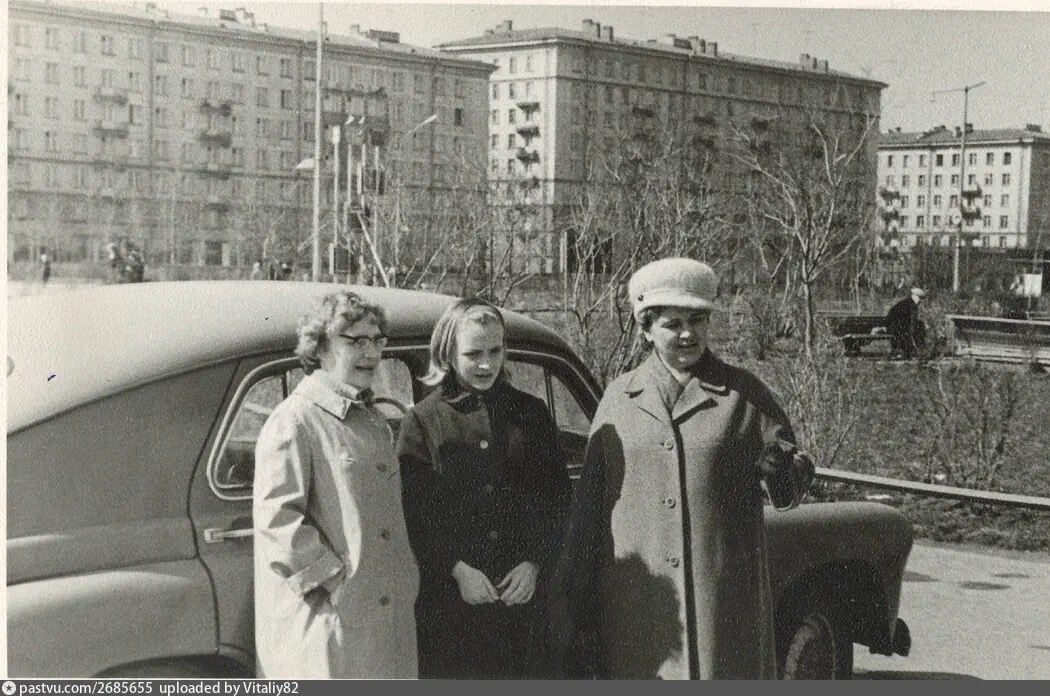
Drag the divider with your mouse, finger or arrow keys to compare the original and result.
Could not load the photo comparison.
Keep your important moments in better quality
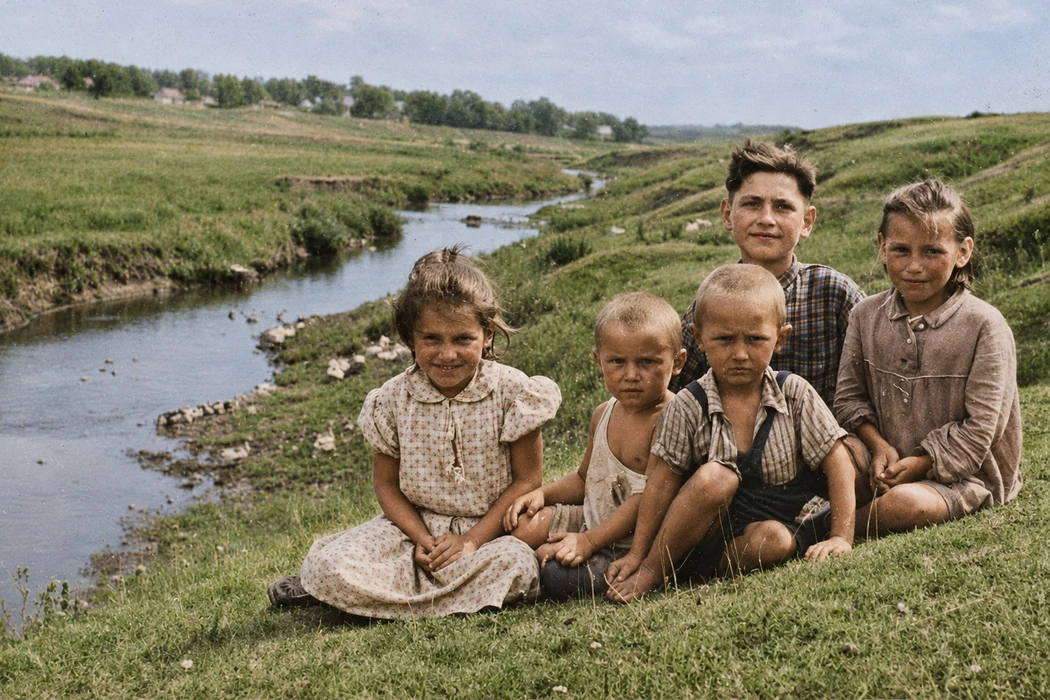
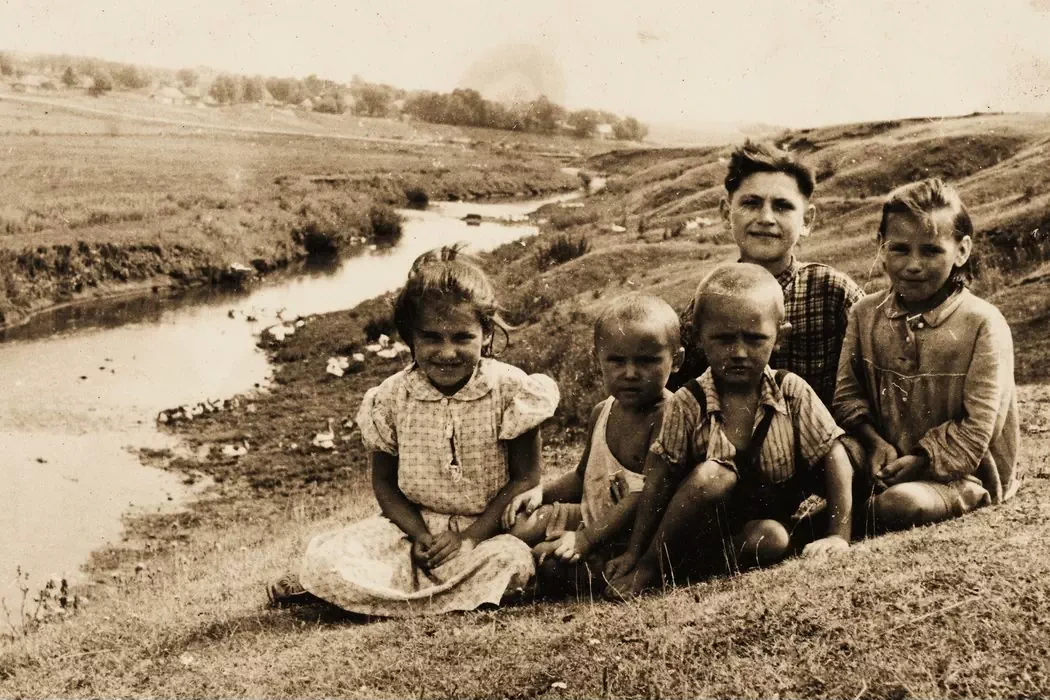
The image could not load
Colorization
Bring color back to family photos
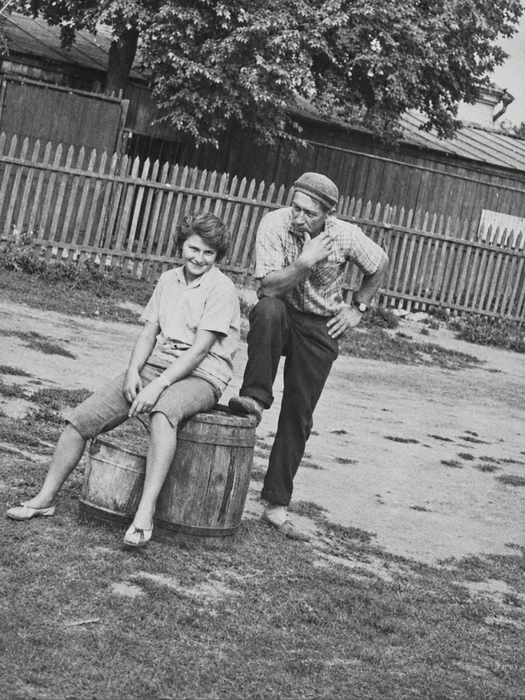
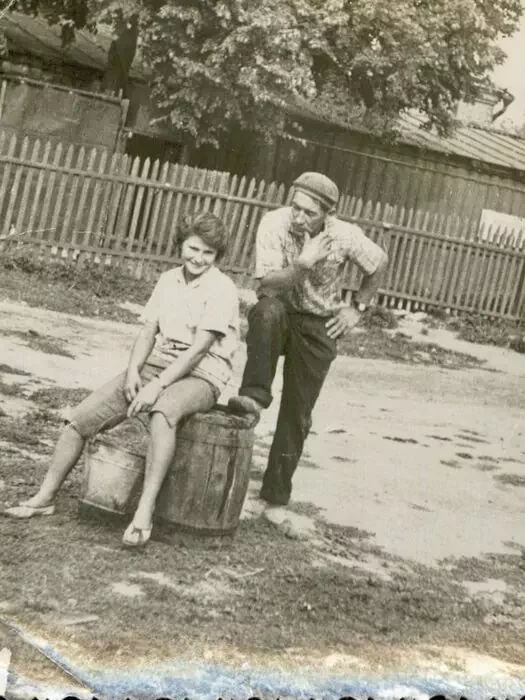
The image could not load
Restoration
Remove scratches and creases
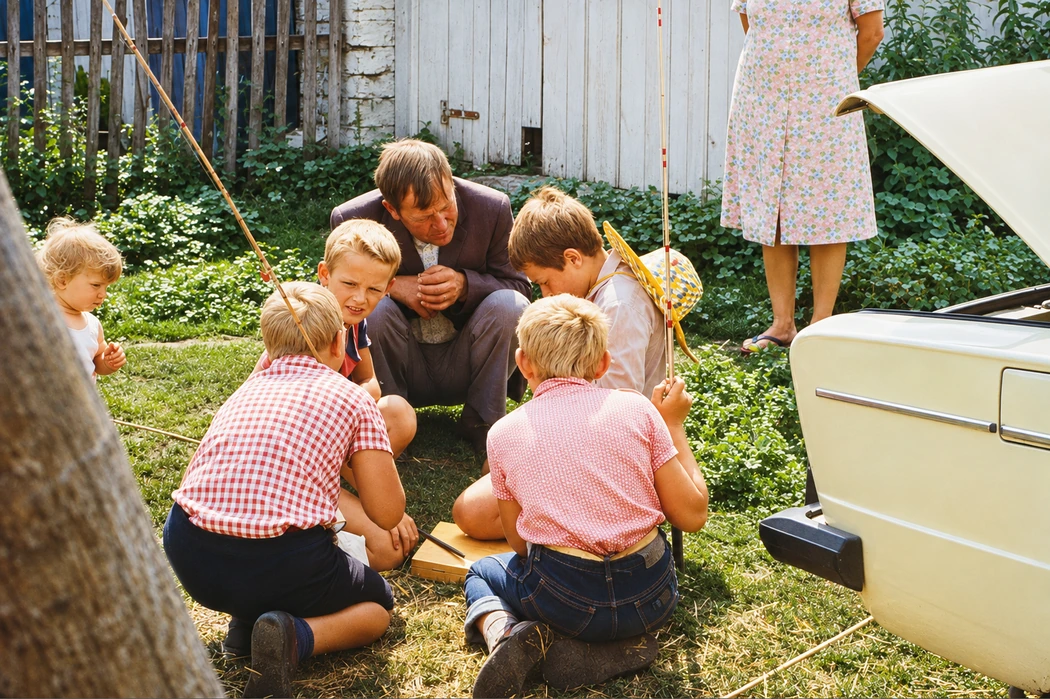
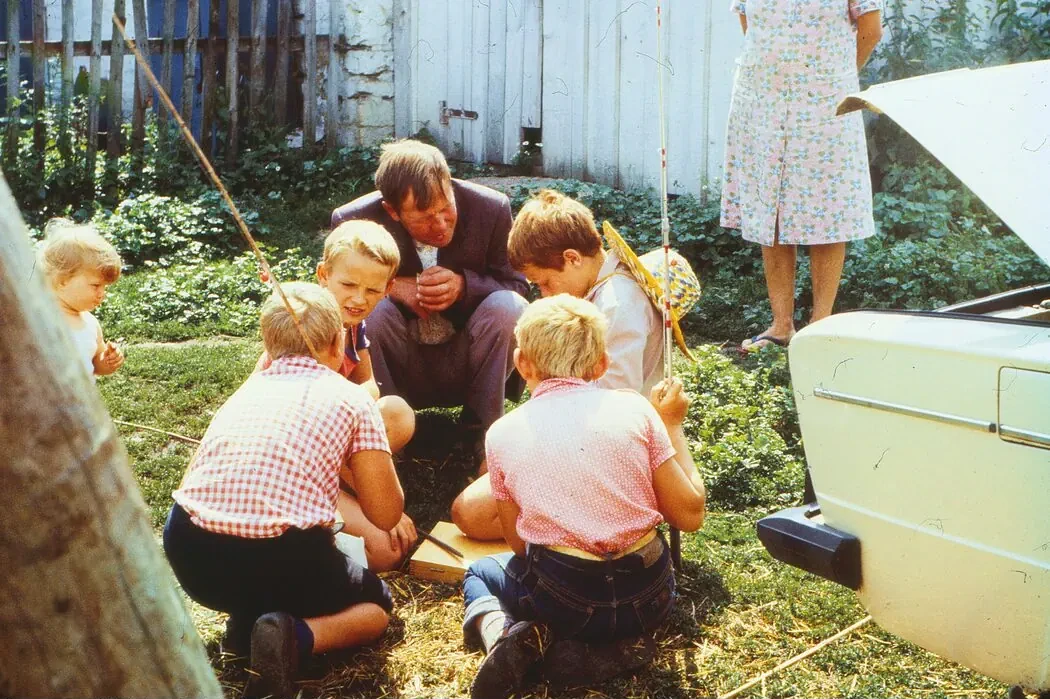
The image could not load
Quality enhancement
See familiar faces more clearly
FROM BLACK AND WHITE TO COLOR — NO BRUSHES OR MASKS
One old photograph
A different view
- 01
Upload a black-and-white photo
Use a scan or a straight-on photograph from your album in JPG, PNG or WebP.
- 02
Choose a palette
Choose a palette and pay for your order. Your file is checked before checkout.
- 03
Compare both versions
Get the color version on your order page within 24 hours after payment.
Photo edit packages
Enhancement, colorization and restoration
Use your edits over time
20 photos
RUB 9.95 per edit
50 photos
RUB 7.96 per edit · save 20%
100 photos
RUB 4.975 per edit · save 50%
One edit covers one photo and one service. Packages work across all three photo services. Access your edits through your private link after payment. Results are kept for 7 days.
JPG, PNG, WebP · up to 40 MB and 25 MP. PDF · up to 40 MB and 50 pages. Order and refund terms
THE ESSENTIALS
Good questions
How do I colorize a black-and-white photo online?
Upload a digital copy, choose a palette and saturation, then click Enhance. Confirm payment after the file check. AI adds estimated colors, and you can download the finished version from your order page. No masks or manual painting needed.
Will the colors match real life?
Not necessarily. A black-and-white photo does not contain full information about its original colors. Colorization is a plausible interpretation, not a historically exact reconstruction.
Can I colorize a family portrait?
Yes, this is one of the service's main uses. Clearer faces and details give processing more information. Heavily blurred faces may need enhancement first. Go to photo enhancement →
Can I use a phone photo of a printed picture?
Yes. Photograph it straight on in soft light, without glare, the phone's shadow or a steep angle. Use a scan if possible.
Will colorization remove scratches and creases?
Enable Enhance photo quality to restore damage and enlarge the working size 2× while colorizing. It uses one package edit, with no extra charge. Go to photo restoration →
Are colorization and coloring a photo the same thing?
Here, both mean adding color to a black-and-white image. This differs from correcting colors in an already colored photo. The algorithm estimates skin, clothing and background tones from visible detail, rather than extracting a hidden color original.
Which palette should I choose for an old family photo?
Start with the natural palette and soft or balanced saturation for a restrained result. Warm changes the overall mood; expressive makes colors stronger. These settings guide the style but do not let you specify every object's, eye's or garment's exact color.
Which photo formats can I upload for colorization?
We accept JPG, PNG and WebP up to 40 MB and 25 MP, from a computer or phone. Upload the scan or photo itself rather than a screenshot of an album page, so faces and fine details are easier to see.
How much does colorizing a black-and-white photo cost?
A pack from RUB 199 includes 20 edits for colorization, enhancement or restoration. One edit covers one photo and one service; use the pack over time.
Can I upload a PDF scan?
Yes. Choose a PDF up to 40 MB without a password. Each page becomes a separate photo and uses one package edit. An order can contain up to 50 photos and pages. Enable Remove white margins if the scan has empty borders. Results are delivered as photos.
How do I receive my order or request a refund?
Your result appears on your private order page within 24 hours after payment and is kept for 7 days. Save the link and download your photo within that time. Unused package edits can be refunded in proportion to the price you paid, with no payment fees deducted. Order and refund terms →
A thoughtful gift for your loved ones
Restore a family photo and give your loved ones a digital copy or a printed photograph